Custom themes
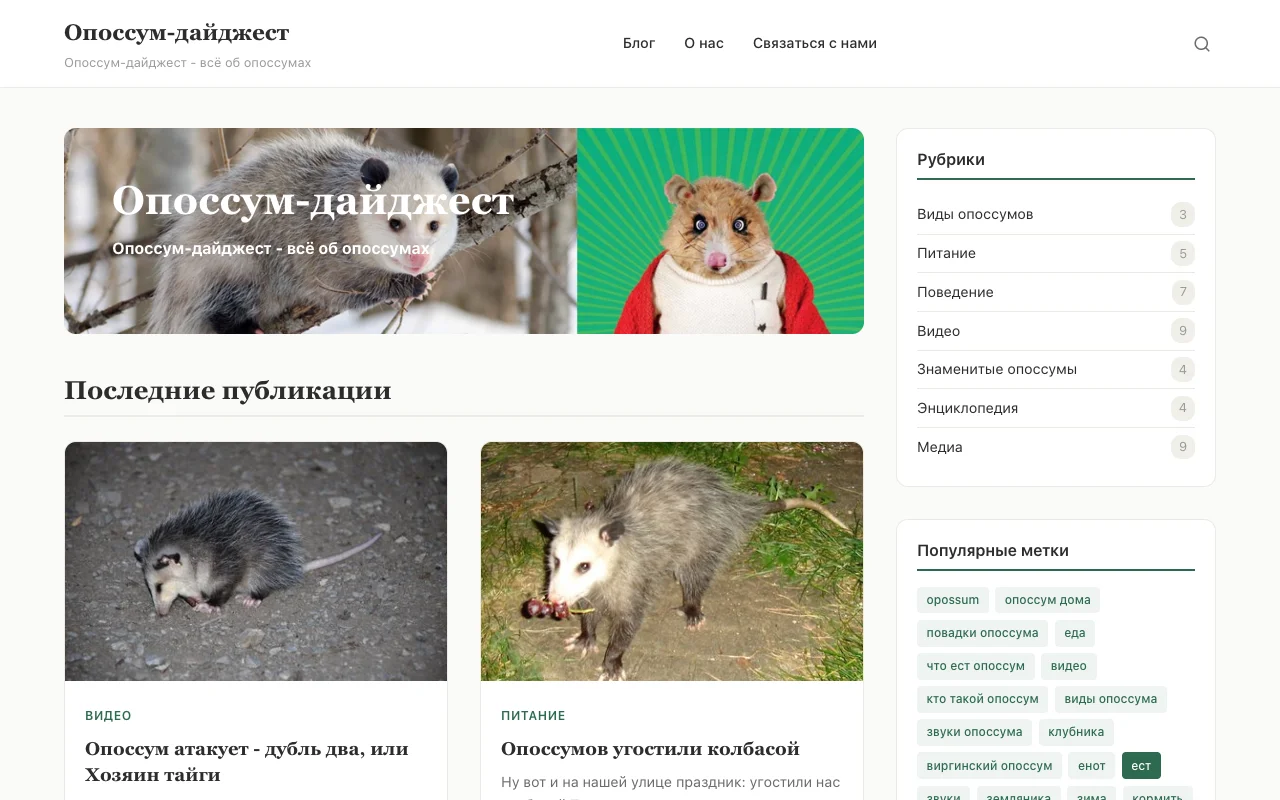
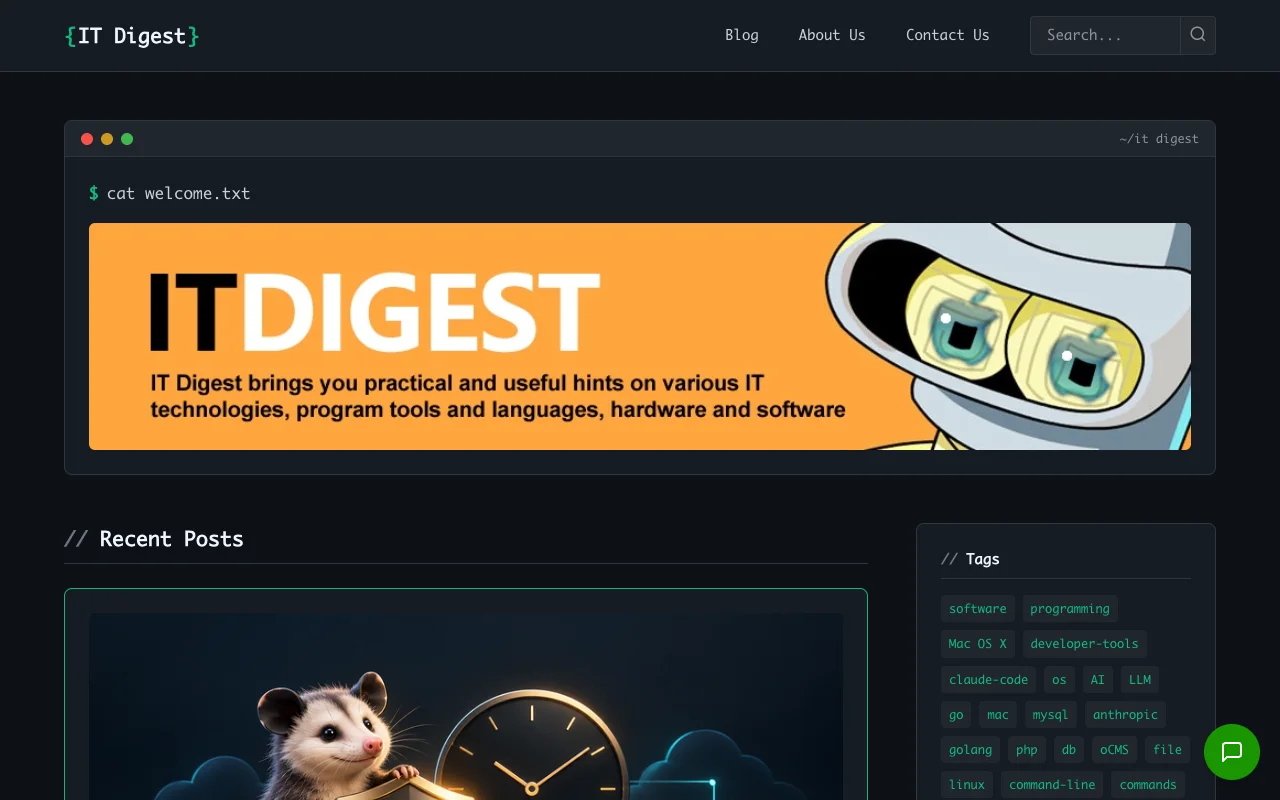
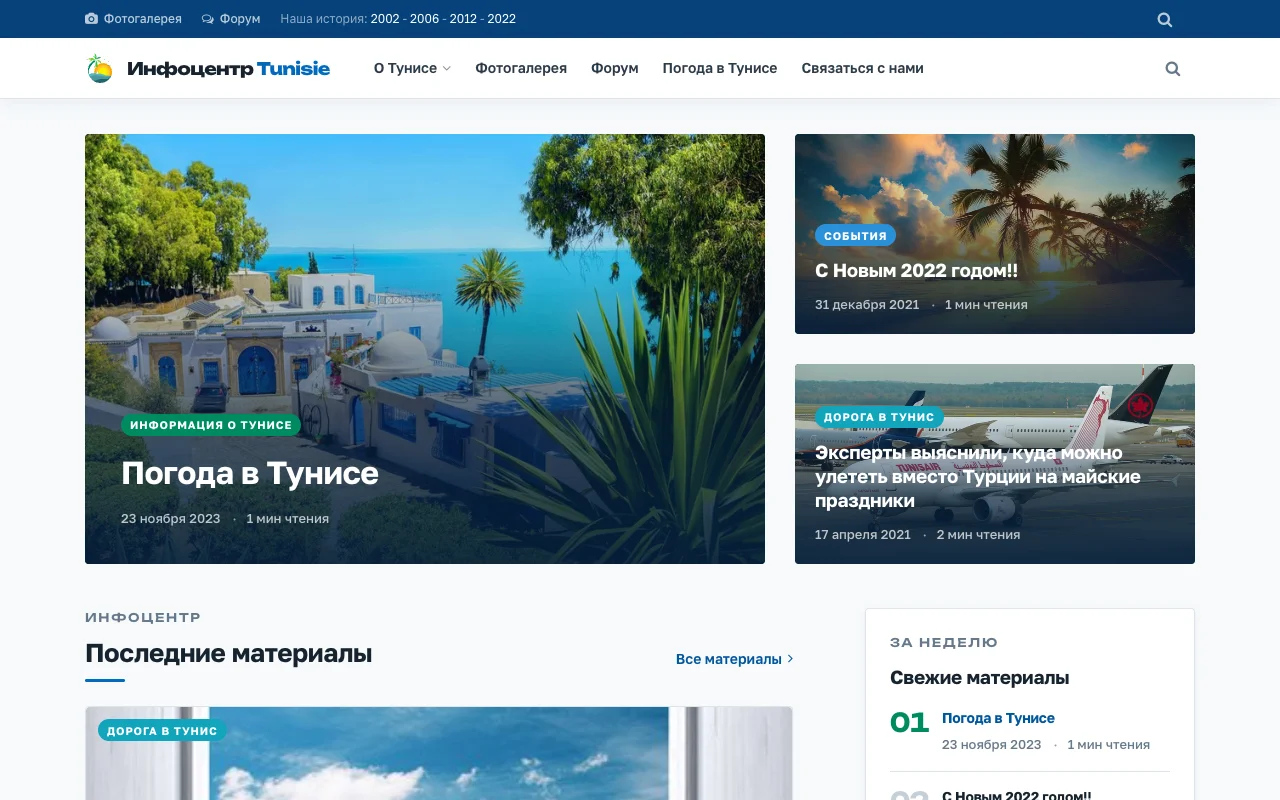
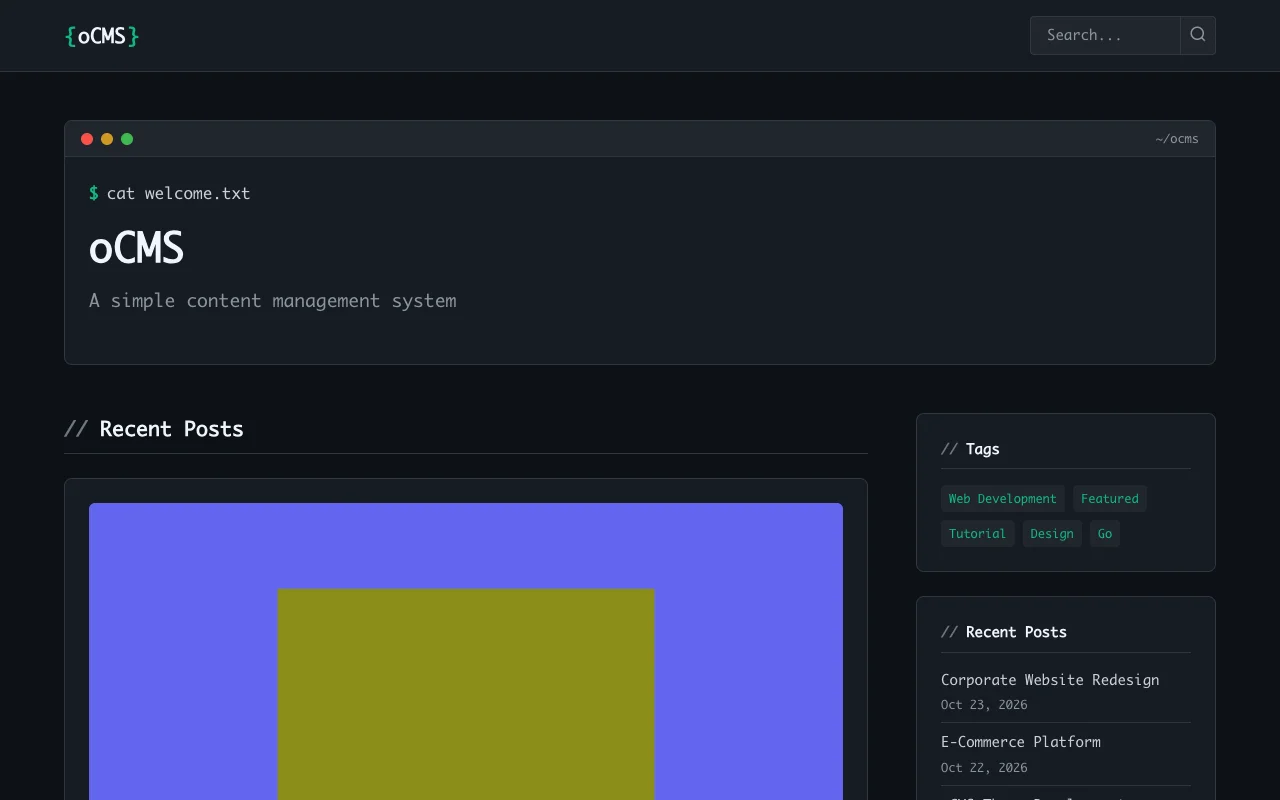
Use Go HTML templates, theme settings, and widget areas to control your site's layout and appearance.
Explore themes
A Go CMS
One binary
Opossum CMS
SQLite, custom themes, multilingual content, and a REST API.
Explore the admin interface. Content editing is disabled in the shared demo; sample data resets daily. Open demo admin (opens in a new tab)
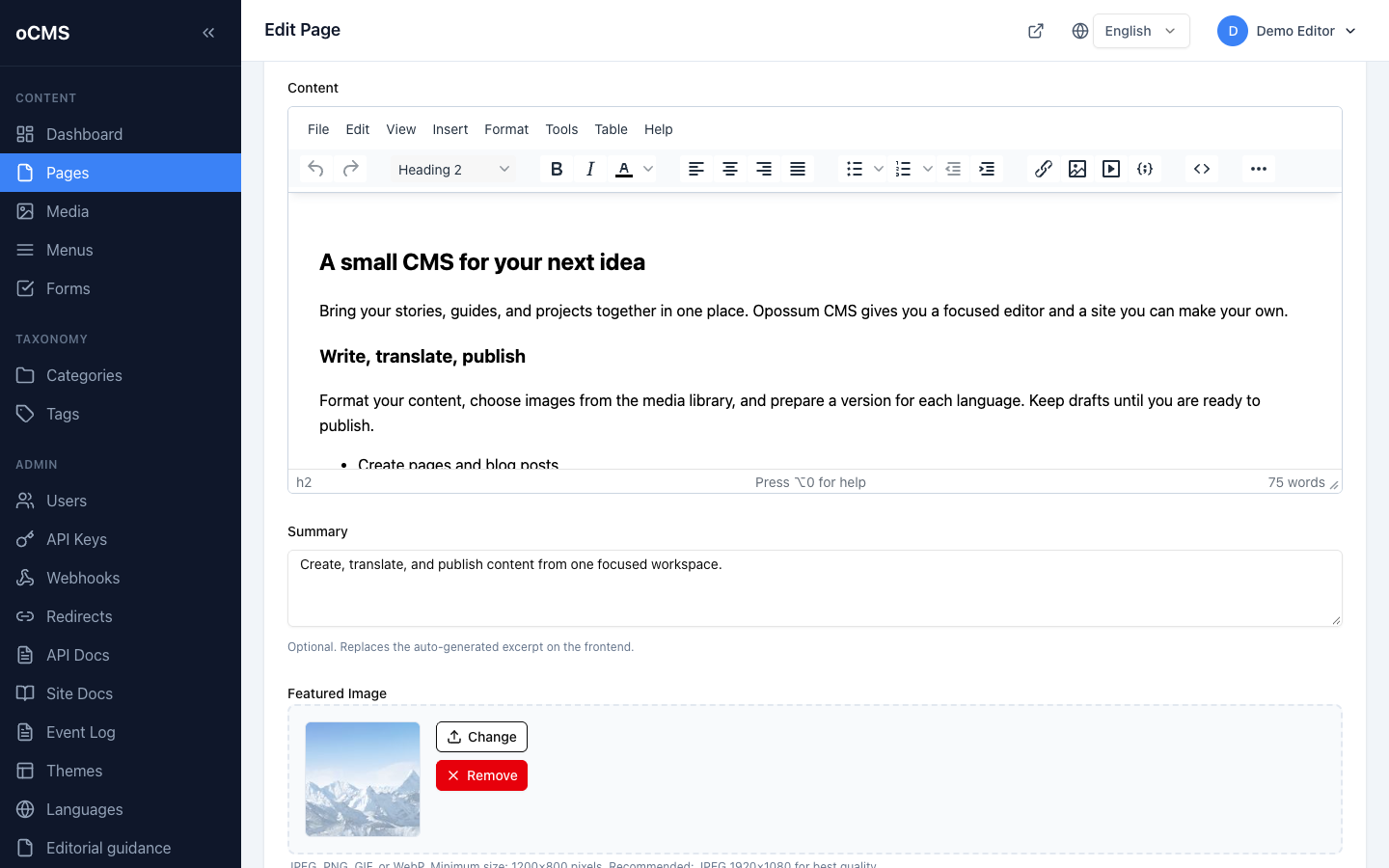 View full size
Format pages and posts, prepare drafts, and choose when to publish.
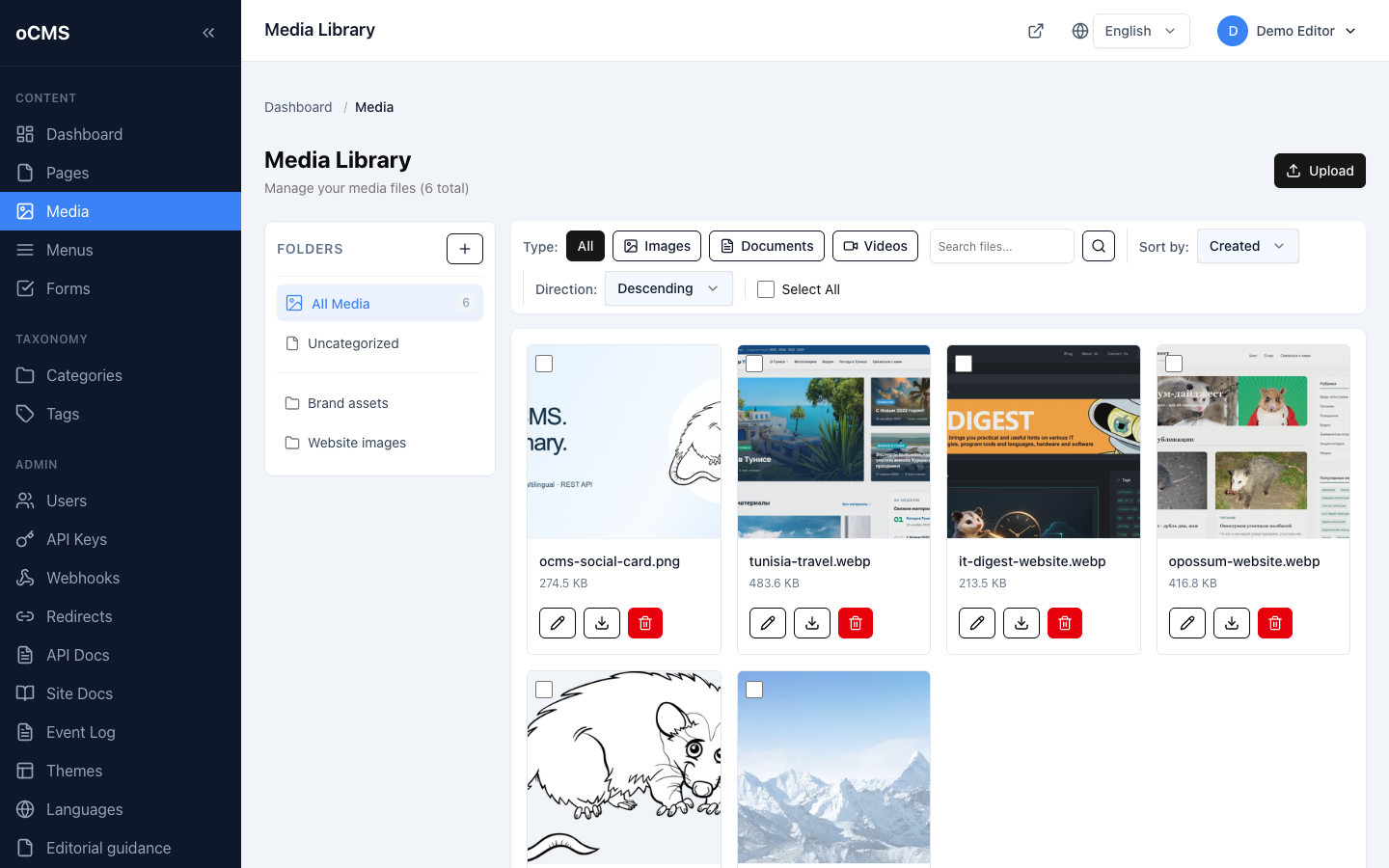 View full size
Upload images, organize files in folders, and reuse them across your site.
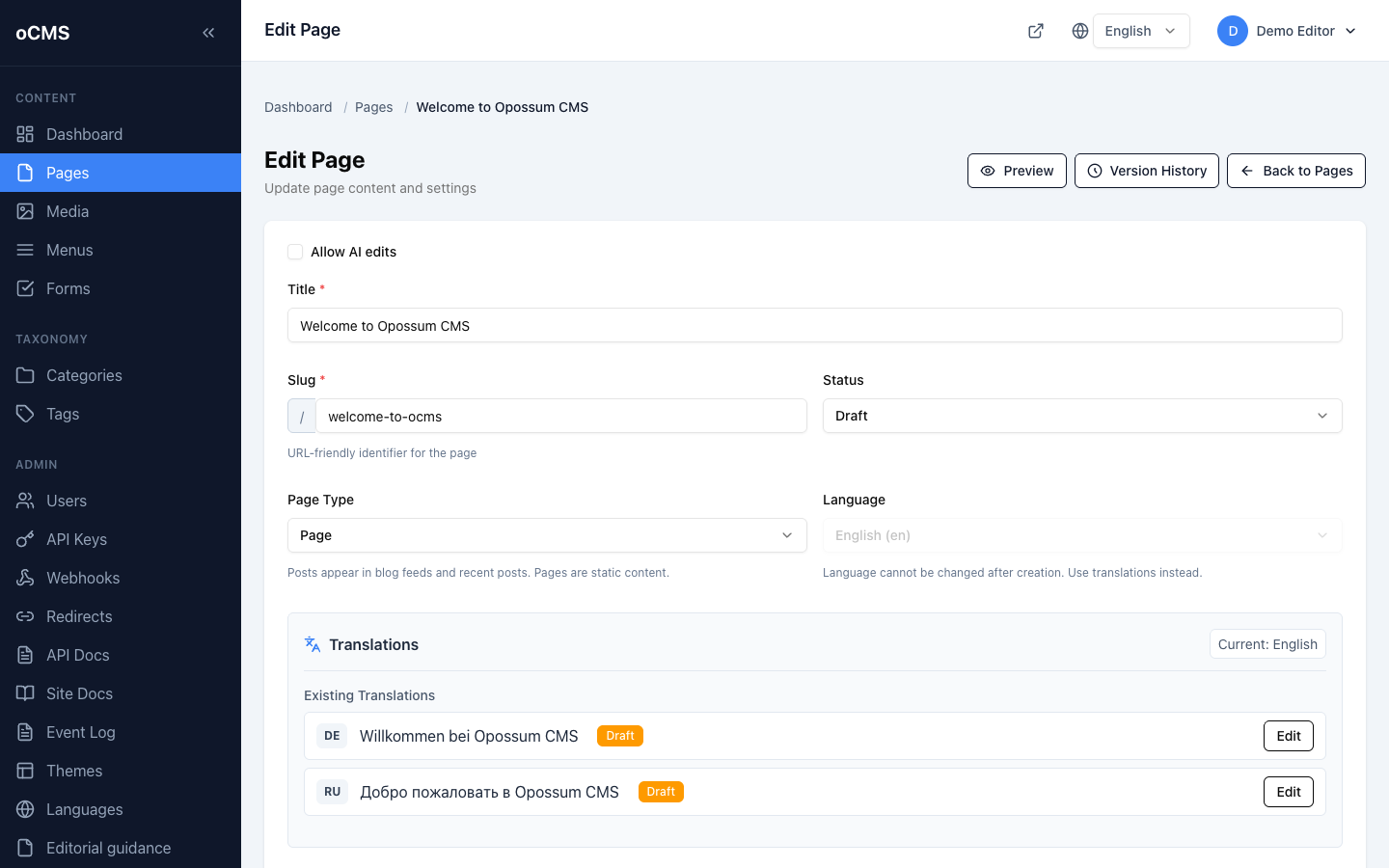 View full size
Link translated pages and switch between language versions while editing.
Customize your site, connect your tools, and run it on your own server.
Use Go HTML templates, theme settings, and widget areas to control your site's layout and appearance.
Explore themesConnect your apps to pages, media, categories, and tags through the REST API. Use scoped API keys for protected actions.
API cookbookRun a prebuilt binary with embedded admin assets and a local SQLite database. Add your custom themes alongside it.
Deployment guideProtect sign-ins with two-factor authentication using an authenticator app and recovery codes. Assign roles to control access.
Account security guideChoose your platform and run oCMS locally.
oCMS v0.30.0 · No Go or Node.js required.
(
  set -euo pipefail
  mkdir ocms-v0.30.0-linux-amd64
  cd ocms-v0.30.0-linux-amd64
  curl -fLO https://github.com/olegiv/ocms-go/releases/download/v0.30.0/ocms-linux-amd64.tar.gz
  curl -fLO https://github.com/olegiv/ocms-go/releases/download/v0.30.0/checksums.txt
  grep -F '  ocms-linux-amd64.tar.gz' checksums.txt | sha256sum -c -
  tar -xzf ocms-linux-amd64.tar.gz
  ./ocms -version
  ./ocms init my-site
  cd my-site
  ../ocms serve
)(
set -euo pipefail
mkdir ocms-v0.30.0-linux-arm64
cd ocms-v0.30.0-linux-arm64
curl -fLO https://github.com/olegiv/ocms-go/releases/download/v0.30.0/ocms-linux-arm64.tar.gz
curl -fLO https://github.com/olegiv/ocms-go/releases/download/v0.30.0/checksums.txt
grep -F ' ocms-linux-arm64.tar.gz' checksums.txt | sha256sum -c -
tar -xzf ocms-linux-arm64.tar.gz
./ocms -version
./ocms init my-site
cd my-site
../ocms serve
)(
set -euo pipefail
mkdir ocms-v0.30.0-darwin-arm64
cd ocms-v0.30.0-darwin-arm64
curl -fLO https://github.com/olegiv/ocms-go/releases/download/v0.30.0/ocms-darwin-arm64.tar.gz
curl -fLO https://github.com/olegiv/ocms-go/releases/download/v0.30.0/checksums.txt
grep -F ' ocms-darwin-arm64.tar.gz' checksums.txt | shasum -a 256 -c -
tar -xzf ocms-darwin-arm64.tar.gz
./ocms -version
./ocms init my-site
cd my-site
../ocms serve
)Run in Bash or Zsh. The commands create a new directory and verify the archive before extracting it.
Open localhost:8080/admin/, then follow the first-run setup instructions before deployment.
Follow the Build your first site walkthrough to publish a page, customize a theme, and prepare for deployment.
Having trouble? Check installation troubleshooting.
All downloads and release detailsTry oCMS online or download it for your own site.
Hosted on Fly.io. No installation required.
Explore the admin interface. Content editing is disabled in the shared demo; sample data resets daily. Open demo admin (opens in a new tab)

Sites powered by Opossum CMS
Contribute, report issues, or star the project.
No. Prebuilt release archives include the binary and frontend assets. Go and the frontend build tools are only needed when building from source. Read the setup guide.
Prebuilt archives are available for Linux AMD64, Linux ARM64, and macOS Apple Silicon. Choose your platform and check release requirements.
No. The default installation uses a local SQLite database, so you do not need to set up a separate database server. See how data is stored.
Keep a consistent SQLite backup, uploaded files, custom themes, and your .env configuration. Preserve the session and MFA keys with the backup. Follow the backup and restore walkthrough.
Read the release notes and make a backup, then install the matching binary and restart oCMS. Pending database migrations run at startup. Review upgrade requirements.
Yes. oCMS is open source under the GNU General Public License v3.0. Read the license.