
IT Digest is a technical publication about software development, tools and AI engineering. Its public site shows how one oCMS installation can combine a distinctive reading layout with articles, topic navigation and search.
The observations and screenshots below were reviewed on 2 November 2026. Visit IT Digest to explore the current site.
A publication organized around articles
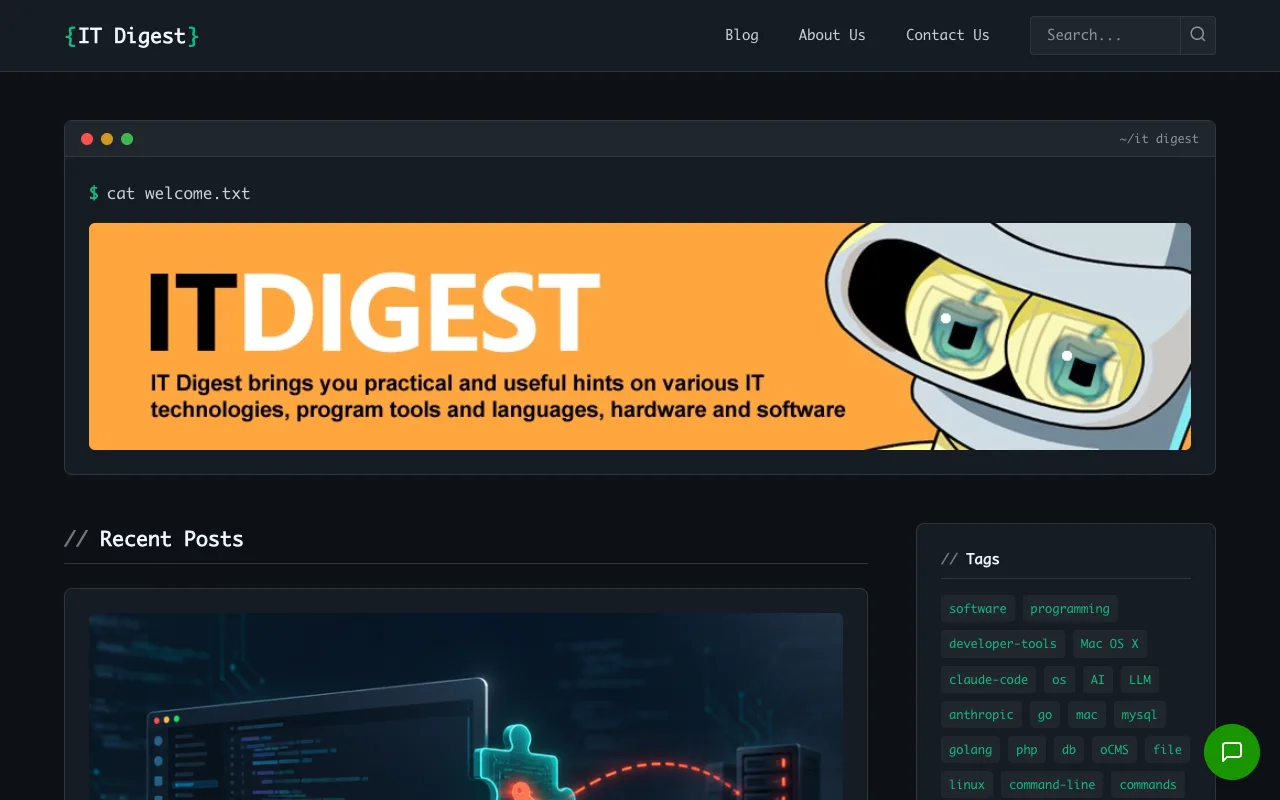
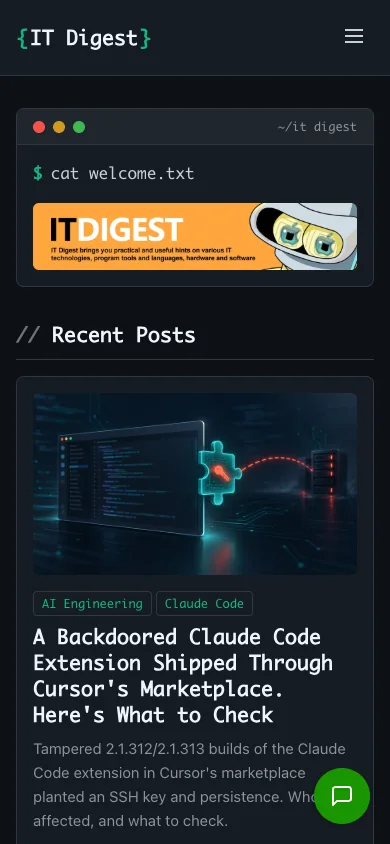
The homepage presents recent posts with a title, image, summary, publication date, author and reading-time estimate. Categories such as AI Engineering and Claude Code group the material; tags offer more specific connections between posts. Readers can move from an article to a topic archive or use the header search.
A recognizable theme
The site uses the Developer theme's dark palette, terminal-style heading and monospace accents. Green highlights distinguish navigation and links, while article cards keep the content and its metadata together. The public page identifies oCMS as its publishing system and serves its theme stylesheet from the Developer theme's asset path.
This is a useful division of work for a small technical publication: authors prepare content and summaries in the CMS, while theme templates control how the same fields appear on the homepage, topic archives and article pages.
The reader's path
- Find a topic: start with a recent post, category, tag or search query.
- Choose an article: use the summary, date and reading-time estimate to decide what to open.
- Continue exploring: follow topic links to find more writing in the same area.
Apply the same approach to your own site
- Keep the content model simple: use Posts for a publication's entries, then reuse consistent categories and tags. The editor's guide covers drafts, summaries, images and publishing.
- Choose a visual starting point: compare Developer with Default and Starter in the theme gallery.
- Customize presentation through the theme: the theme customization guide explains menus, editable settings, widget areas and asset versions.
- Operate a complete site: use the deployment, backup and upgrade guides for your own installation.
Explore IT Digest, or try the shared oCMS demo to inspect the administration interface. Content editing is disabled in that shared demo.