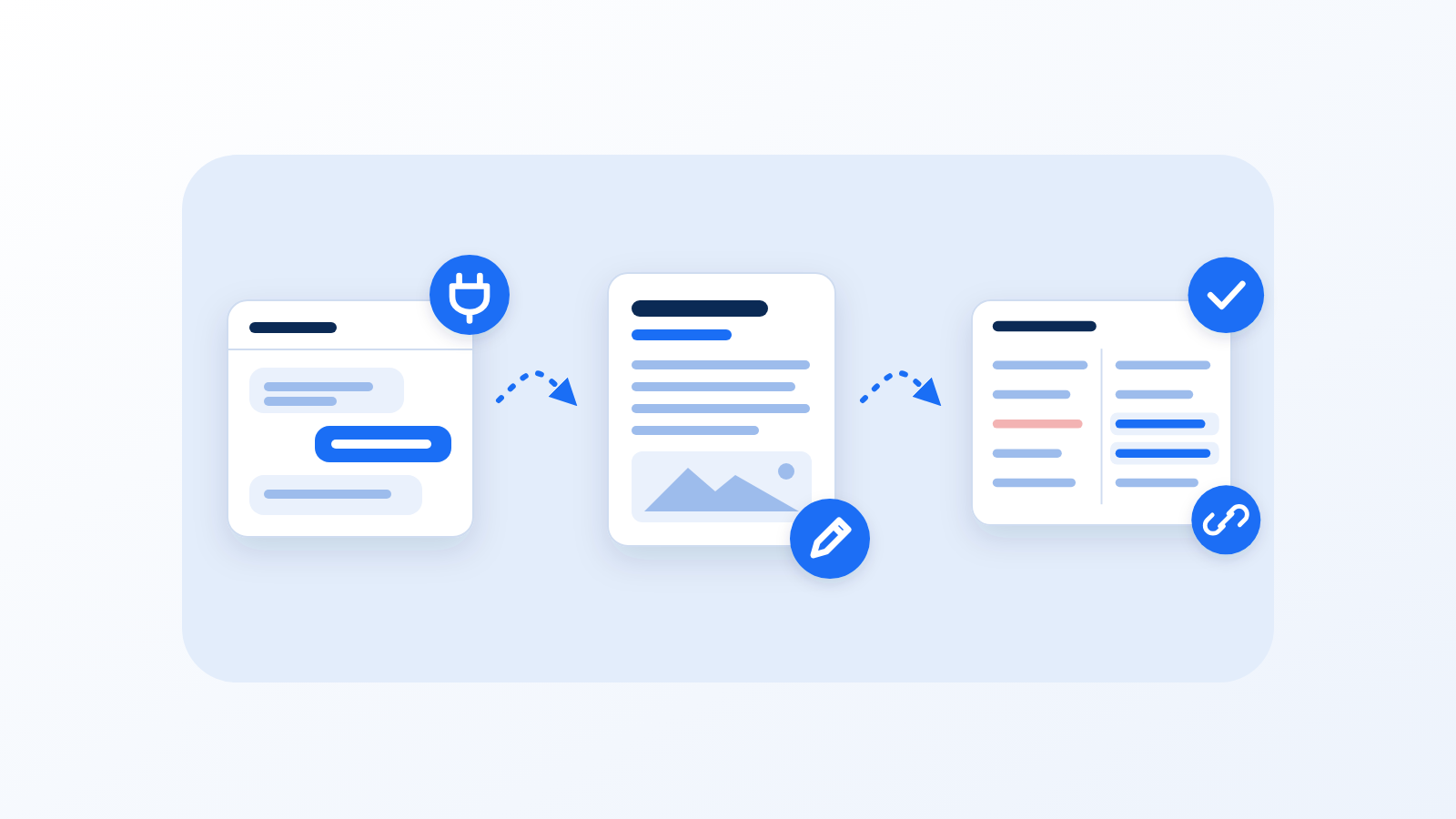
oCMS 0.32.0 is available. Connect an MCP client such as Claude or ChatGPT to create, edit and translate drafts in oCMS. Editors review each revision with its sources and validation results, preview it, and share revocable previews before a human publishes it.
This is also a release with breaking operational changes: production hardening becomes the default, every user signs in again, and the script CSP gets stricter. Get the archives and checksums on Download, and read Before upgrading and the upgrade walkthrough before you replace the binary.
Draft authoring over MCP
The MCP module already exposed published content to AI clients. Version 0.32.0 adds opt-in draft tools for credentials holding the mcp:drafts scope:
- Create, update and translate drafts. An agent submits Markdown, existing tag slugs and
media:IDimage references. oCMS validates the input, converts it to sanitized HTML and returns localized issues instead of silently rewriting content. - Revision checks and safe retries. Each write carries a request ID; a retry with the same input returns the original result. Updates require the last-read revision, and translations record the source revision they were made from.
- Authoring context. Agents read the site's style guide, presets, existing taxonomy and media, and get duplicate and overlap feedback against reference pages.
- No publishing. Draft tools never publish, schedule or delete. Publication stays a human action in the editor.
Draft authoring is off until an administrator enables it in Admin → MCP Server. OCMS_AI_DISABLED=true blocks the draft tools while keeping normal reads. See Draft authoring and the draft contract.
Sign in with OAuth instead of pasting keys
MCP clients can still use API keys with the mcp:access permission. Version 0.32.0 adds an opt-in OAuth server so web and desktop clients can connect through a browser consent screen:
- Authorization code flow with S256 PKCE, after a fresh password and MFA sign-in.
- Consent limited to
mcp:accessandmcp:drafts. - Client metadata fetched only from allowed hosts (
claude.aiandchatgpt.comby default), plus optional pre-registered clients and dynamic registration. - Only opaque credential hashes are stored, refresh tokens rotate, and reuse revokes the family.
Enable it with OCMS_OAUTH_ENABLED=true. It requires OCMS_SITE_URL (HTTPS outside local development) and the active MCP module, and it is refused in demo mode. See OAuth configuration.
Connected apps. Users see and revoke their own OAuth connections and MCP API keys under Account → Connected apps. Administrators get the same oversight in /admin/mcp. A scheduled cleanup removes retired token families in bounded batches. See Connected apps.
Editorial review and share links
- Review by revision. Editors see the recorded provenance, validation results and claims an agent asked to verify, compare revisions, and acknowledge claims before publishing.
- Previews. Session previews pin a recorded revision. Editors can also create an expiring, revocable share link for a selected revision. The token travels in the URL fragment and is redeemed in a POST body, so it stays out of request logs. Lifetime is set with
OCMS_PREVIEW_LINK_TTL_HOURS(1–24, default 24). - Translation review. Review an existing translation against the current source revision and record its updated source basis and reviewer.
The foundation under all of this is a shared page-write path: complete revisions and provenance for writes from the editor, API, scheduler and imports, editor conflict handling, and owner consent before AI edits a page. REST updates to AI-editable pages now require base_revision.
Before upgrading
- Back up the database. Returning to 0.31.x requires restoring that backup.
- Set
OCMS_ENVexplicitly. Unset or empty now means production; onlydevelopment,stagingandproductionare accepted. Staging gets the same hardening as production, so a site running withOCMS_ENV=stagingmust meet the production checks. - Check the production defaults. Startup can fail on flagged page HTML (drafts included), missing CAPTCHA configuration, the seeded default admin password, non-HTTPS webhook, scheduler or embed URLs, or
OCMS_WEBHOOK_FORM_DATA_MODE=full. API keys without expiry, with a lifetime over 90 days, or without a per-key source CIDR fail authentication. MFA is required at sign-in. Check the MFA key, trusted proxies and allowlists first. - Expect everyone to sign in again. Session tokens are now hashed in storage, so existing sessions end. Users without MFA enroll on their next sign-in.
- Review custom themes. Production and staging drop
'unsafe-eval'from the script CSP, and the bundledalpine.min.jsis now the Alpine CSP build in every environment. Custom themes need CSP-compatible Alpine expressions and the new integrity hash. See custom theme scripting. - Decide on Event Log retention. Earlier releases kept events forever. Recognized diagnostics older than 90 days become eligible for deletion on the first run; security and audit records are kept by default. Tune with
OCMS_EVENT_DIAGNOSTIC_RETENTION_DAYSandOCMS_EVENT_AUDIT_RETENTION_DAYS, or setOCMS_EVENT_CLEANUP_ENABLED=falsebefore restarting. See Event Log retention. - Re-test imports. JSON and ZIP imports now apply the same sanitization and suspicious-markup blocking as editor saves.
The repository README has a dedicated checklist for sites with no OCMS_ENV.
Fixes and security
- Inline-image alt text keeps punctuation and localized characters through sanitization and Markdown round trips.
- Status and metadata saves preserve unchanged HTML, so publishing no longer marks translations stale.
- Page edits and restores keep existing images and aliases, and refused saves keep the submitted editor input.
- Malformed API-key permission arrays are rejected instead of leaving partial permissions.
- OAuth refresh issuance is rate-limited per grant and account, and API-key share links never outlive the issuing key.
- Deployment binaries are verified before installation, and backups and bootstrap data are access-restricted.
- Dependencies are updated, including HTMX 4.0.1, TinyMCE 8.10.1, Swagger UI 5.34.1 and Tailwind CSS 4.3.5.
Read the complete v0.32.0 release notes for every change, and the release history for earlier upgrade requirements.