
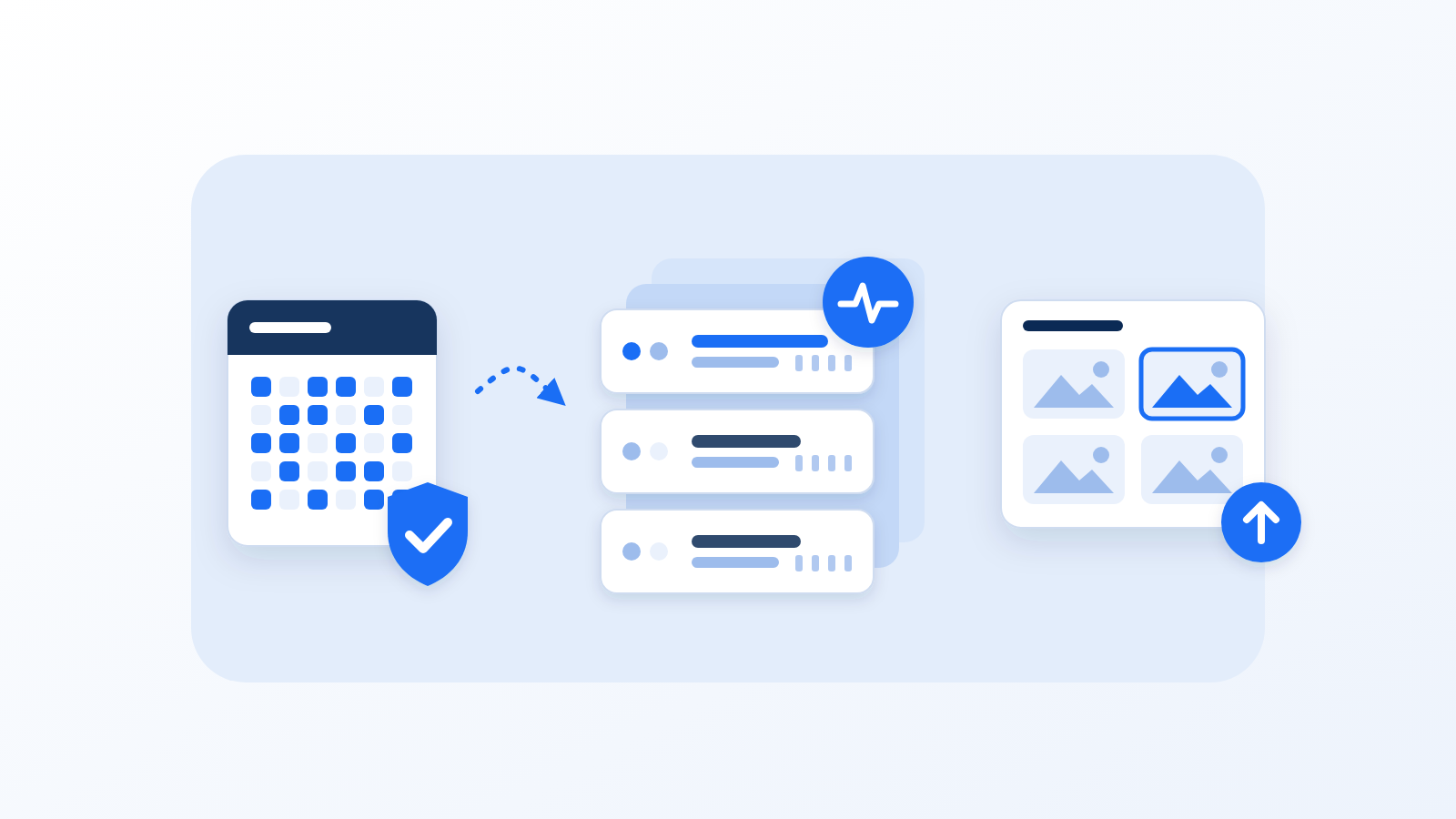
oCMS 0.33.0 is available. Deployment moves from shell scripts to ocmsctl, a Go tool that verifies each binary before installing it, restarts sites behind a health check and keeps earlier releases for rollback. Editors can now upload an image from inside every image picker without leaving an unsaved page.
Get the archives and checksums.txt from the v0.33.0 release. Upgrading from 0.31.x? Read the 0.32.0 requirements first.
Deployments with ocmsctl
ocmsctl is one Go program used in two places. On your machine it builds the Linux binary, uploads it and calls the server over SSH, so your ~/.ssh/config, agent and jump hosts apply. On the server it installs releases, restarts and provisions sites, backs them up and monitors them. Each site runs as its own systemd unit, ocms@<site>, behind Nginx.
A deploy, ocmsctl deploy <host> <site>..., follows a fixed sequence:
- Verify. The binary's SHA-256 is computed locally and checked on the server, which also confirms the file is a Linux executable. A bad upload stops here: nothing is installed and no site is stopped.
- Install. The binary becomes a new release under
/opt/ocms/releases/, and/opt/ocms/bin/ocmsswitches to it by renaming a symlink. Running sites keep the binary they started with. - Restart and check. The named sites restart and must answer
/healthwithin 30 seconds. Each healthy site is asked again after 3 seconds, so a binary that crashes right after its first answer still fails the deploy. - Report. Each site is reported
OKorFAILED. A failed site's report includes the last lines of its log.
There is no automatic rollback, because the new binary may already have migrated the database. The failed release stays installed and the output names the rollback command. A deploy that passes keeps the newest three releases; ocmsctl rollback switches back to one of them behind the same health check. If an older binary cannot run on a database a newer one migrated, restore the database from a backup.
Backups, monitoring and production copies
- Backups:
ocmsctl backupruns nightly from cron. Each site gets an integrity-checked online snapshot of its SQLite database and archives of its uploads and custom files, all written as the site's own user. Archives older than 30 days are removed only after a successful backup. - Alerts: a failed backup prints a line that cron mails when
MAILTOis set, and calls the optional executable/etc/ocms/alertwithBACKUP FAILED. The five-minute check reports a site going down, its restart attempts (at most three per outage) and its recovery, and reports failures of the check itself asMONITOR FAILED. It prints only when something changes, so a long outage does not mail every five minutes. - Production copies:
ocmsctl pullcopies a site into a development checkout while production keeps serving. The database arrives as an online snapshot and is scrubbed of sessions, OAuth tokens, preview links, webhook secrets and the hCaptcha secret. It still holds password and API-key hashes, sealed MFA secrets and form submissions, so treat the copy as production data.
The logic lives in internal/sitectl, which imports nothing from oCMS; a test enforces that boundary. The complete reference is Deploying oCMS with ocmsctl.
Moving from the shell scripts
This applies to servers set up with the earlier deployment scripts. An installation that follows the manual deployment guide can keep replacing the binary as before. The site registry and site directories stay compatible, but updating the source checkout alone does not switch a server:
- Before replacing the installed tool, stop any site still running in PID-file mode with that tool. Enabled systemd sites can keep running.
- From the core checkout, run
make server-setup HOST=root@server. It installs the Goocmsctland creates/etc/cron.d/ocmsif it is missing. Once the new backup and monitor jobs work, retire/etc/cron.d/ocms-multiand other old deployment cron entries so nothing runs twice. - The first
ocmsctl deploykeeps the existing/opt/ocms/bin/ocmsas a-legacyrelease, so you can roll back to it. - For each site moved from PID-file mode, run
systemctl enable --now ocms@<site>, then checkocmsctl statusandocmsctl health <site>.
Update site Makefiles to include core/site.mk and set DEPLOY_HOST and DEPLOY_SITES; make deploy and make pull replace the old wrappers. See the migration guide for the details.
Upload images from the picker
The Featured Image, Open Graph, content editor and theme settings pickers each offer Upload Image, even when the media library is empty. Choose one JPG, PNG, GIF or WebP image up to 20 MB; the editor and theme pickers also accept ICO. The upload shows its progress inside the picker and then highlights the new image. Confirm with Select Image or Insert Image and save as usual: unsaved edits in the form stay where they were. Picker uploads are stored as uncategorized media.
In the editor, the picker now opens above TinyMCE's Insert → Image and Insert → Media dialogs instead of behind them, and it scrolls on short screens with Insert still visible. The Small and Medium sizes insert the matching image variant when it exists and the original image otherwise. Small no longer inserts the cropped thumbnail.
For REST and MCP clients
- Media responses in REST v2 and MCP list
thumbnail,mediumandlargeURLs only for variants that were generated. An ICO gets none, a source under 400×300 has nomedium, and one under 960×540 has nolarge. Treat these fields as optional and fall back tooriginal; add?include=variantsto list every generated variant. POST /api/v2/mediareturns422 validation_errorfor corrupt images and for images that exceed decoding limits.
Other changes
- Building from source requires Go 1.27.4, which includes security fixes for
net/httpand the build toolchain. Custom modules must regenerate their views with templ 0.3.1100 before rebuilding. - Unsafe menu URL schemes are blocked during import and rendering.
- Site settings validate
site_logoon save and import, andsite_urlmust be an HTTP or HTTPS origin. - The repository adds issue and pull request templates, a Code of Conduct and an accessibility statement.
Before upgrading
- Back up the database, uploads, custom files and configuration with the installed binary.
- Verify the archive against
checksums.txtand rehearse the update on a restored copy. Use the complete upgrade walkthrough. - If you move to
ocmsctl, follow the migration steps above, runocmsctl backuponce and confirmocmsctl statusbefore retiring the old cron entries. - In an unsaved draft, upload an image from the Featured Image picker, insert another at Small size in the editor, and save.
- If an integration reads media URLs, check how it handles a missing
mediumorlargeURL.
Coming from 0.31.x: 0.32.0 has its own requirements. Everyone signs in again, because session tokens are now hashed in storage. An unset OCMS_ENV now selects production, so set it explicitly. Recognized Event Log diagnostics older than 90 days become eligible for deletion on the first run. Read the v0.32.0 release notes before upgrading.
Thanks to @c-nv-s for requesting in-picker uploads and for reporting the picker that opened behind TinyMCE dialogs. Read the complete v0.33.0 release notes for every change.